
Building a Full-Featured AI Agent
· Tech · AI Agent / LangGraph / MCP / RAG
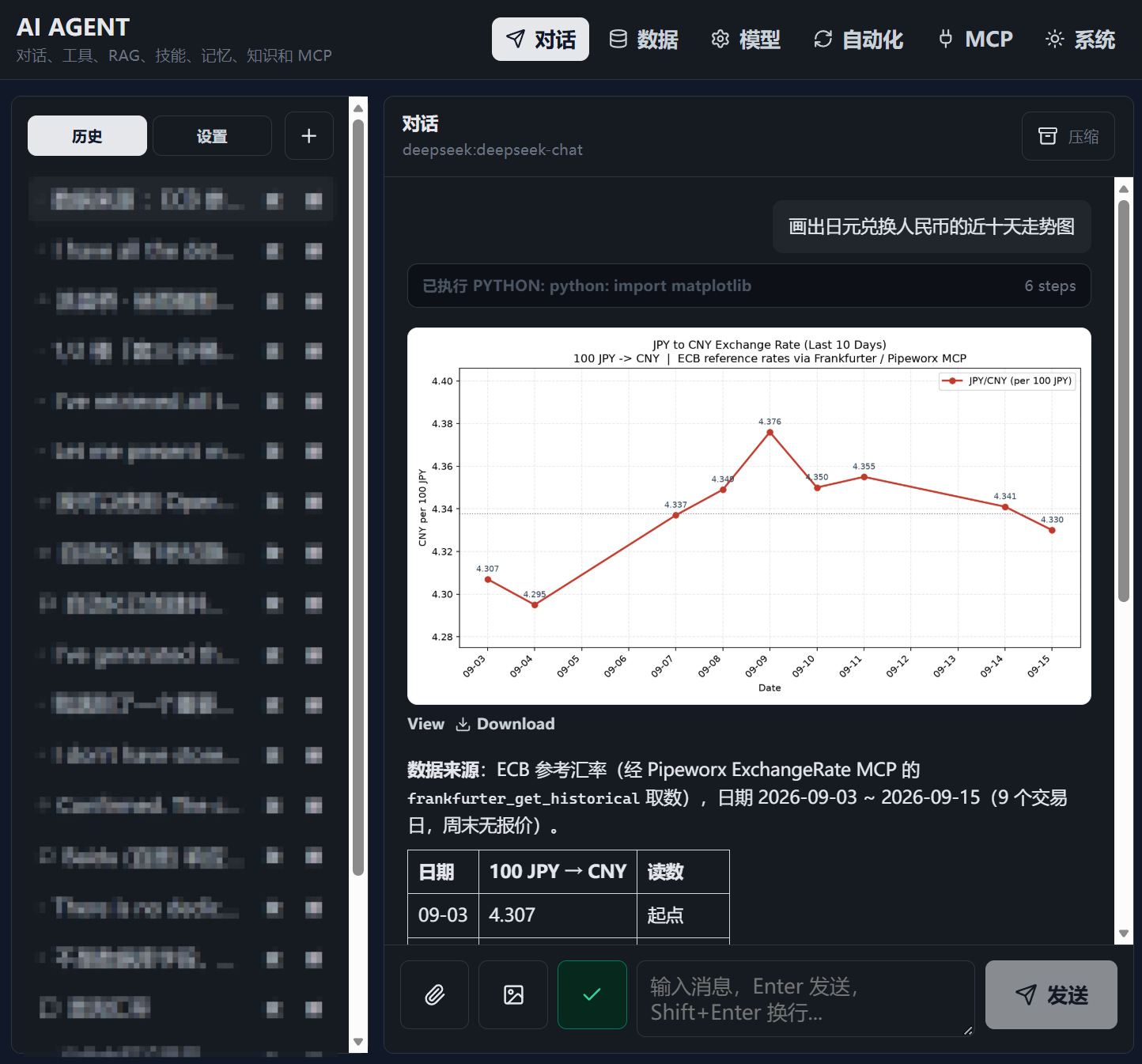
I previously built a rental-agency AI Agent with AI assistance. Recently, I refactored part of the code and added features such as standard MCP support.
I ran into many interesting problems while building the AI Agent, so I wanted to write them down.
Rental-system introduction / AI Agent GitHub
About AI Agent Conversations
I ran into many problems while building AI Agents before. In short, the simpler an AI Agent is, the more effective it tends to be.
Previously, I tried to solve many context-related problems. For example, I tried asking the AI to summarize the previous conversation at the end of every turn, then only pass the summarized history to the model in later conversations instead of every concrete dialogue message.
But this did not actually save tokens for the AI Agent. In practice, LLM context windows are already long enough, and summarizing every time made it harder for the AI to understand the context, which reduced work quality.
I also once tried to tell the AI, in detail at every conversation, the rough function and calling method of each tool. I found that this instead made the AI confused by the context and made the model keep making mistakes.
Now I only compress the whole context when it is needed, such as when the text is too long. Otherwise, I directly give the LLM all historical content. The LLM's KV cache can instead save tokens very well, and the continuity and accuracy of the task improved.
Because of how KV cache works, cache is usually usable only when the previous context is exactly the same. So I only give a short system prompt at the beginning of the model context, then provide only the available tool names later. When compressing context, I avoid compressing the system-prompt section, which makes good use of KV cache.
About Tool Calls
Tool calls require many safety checks, so I will not expand on that here.
When I built AI Agents before, I only forced the model to reply in JSON format and repeatedly told it detailed tool-call steps. In practice, the AI's engineering ability was extremely poor.
Now I have found that LLMs have a dedicated JSON output position for tool calls, and we can directly use the rules already designed for the LLM. Simply put, at the beginning of the whole conversation, I only need to mention simple tool names, their inputs and outputs, and a concise one-sentence description. The AI can then complete tasks well.
I usually divide tools into three categories. Basic capabilities such as RAG and web search are usually configured as manual switches, so the model can automatically obtain related content when the user enters a request, instead of doing multi-turn tool calls.
The second category is common tools, such as manually querying RAG or reading and writing files. These tool calls are written directly into the opening instruction, with concise tool descriptions and call methods. Only when the model calls them and fails do I provide concrete details and the original error message, so the AI Agent can debug itself well.
The third category is uncommon tools. I usually only write these into skills, so when the model encounters a similar problem, it can manually or automatically read the related knowledge through RAG or manual search.
About the State Loop
I use LangGraph for the main state-transition work, letting the model move between states such as starting a conversation, ending a task, and calling tools.
In the past, to consider many different situations, I created far too many states. I even had a third-party LLM checker. For example, if a tool needed to be called but the model ended the conversation without calling it, the third-party model would block the stop and tell the model to call the tool. In reality, the effect was very bad, and it was also one reason my early model kept failing.
Now I have simplified the states. Roughly speaking, they are divided into these cases:
- First start of the conversation: inject the system prompt and related content -> 2
- Conversation begins: inject the user question and possible RAG returns -> 3
- Model replies. If it confirms that it can stop -> 4. If it needs to call a tool, it calls the tool while replying. If the call is correct -> 3. If the call is wrong -> 5
- Stop
- Tool-call error: return the concrete tool-calling method and the original error text
- Compress the context outside the system prompt. This can be triggered manually or when the context becomes too long
About MCP
Simply put, MCP is similar to a model-specific API. The backend can directly handle API communication, and the model can call MCP features directly just like tools.
About Automation
It seems that many AI Agents have automation features that trigger according to a fixed time cycle, but most AI Agents hard-code these schedules, such as weekly, monthly, or daily runs.
In practice, after each trigger, the LLM can automatically decide the next trigger time. This even makes it possible to trigger tasks on a Fibonacci-style interval.
About Changing AI Agent Settings
For safe content, the AI Agent's system settings can be configured through formats such as JSON. Then the AI Agent can automatically update settings by modifying files, such as changing the system language.
An Interesting Thing
During development, the best helper is directly asking Codex, which helps me code, how it performs different operations, then imitating and learning from it.