
Python、Git、Linux 常用命令整理
· 其他 · Python / Git / Linux
Python 环境
# 创建、查看、进入和退出环境
      conda create -n myenv python=3.9
      conda env list
      conda activate myenv
      conda deactivate

      # 删除环境
      conda env remove -n myenv
      conda remove -n myenv --all

      # 安装、更新和删除包
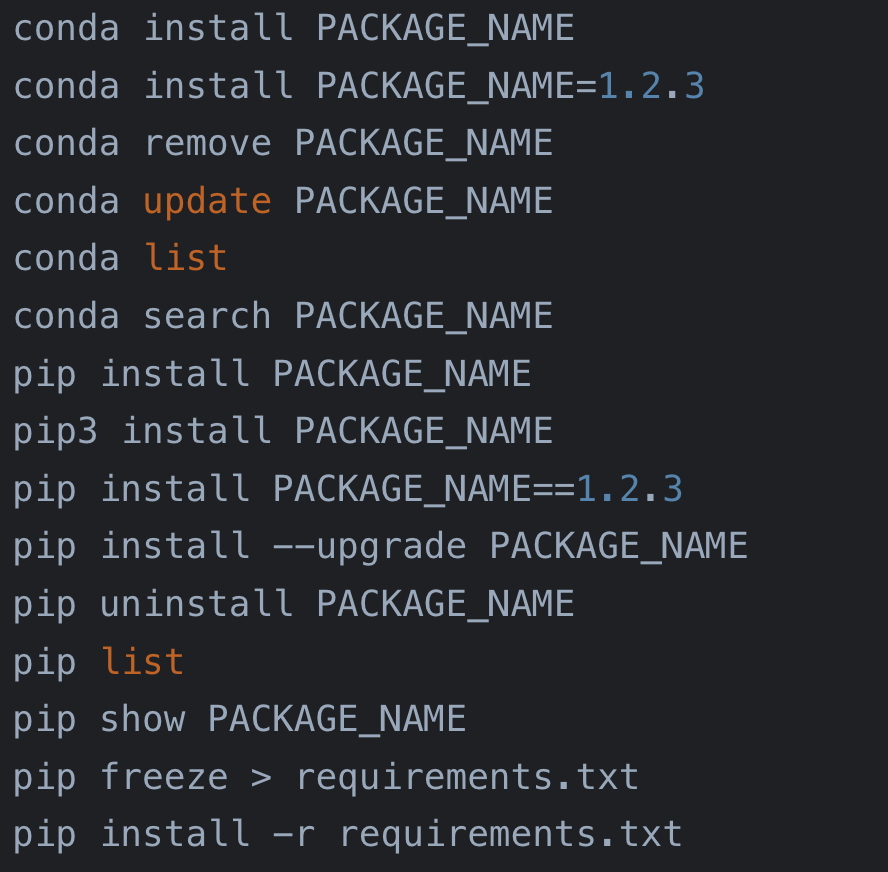
      conda install PACKAGE_NAME
      conda install PACKAGE_NAME=1.2.3
      conda remove PACKAGE_NAME
      conda update PACKAGE_NAME
      conda list
      conda search PACKAGE_NAME

      pip install PACKAGE_NAME
      pip3 install PACKAGE_NAME
      pip install PACKAGE_NAME==1.2.3
      pip install --upgrade PACKAGE_NAME
      pip uninstall PACKAGE_NAME
      pip list
      pip show PACKAGE_NAME
      pip freeze > requirements.txt
      pip install -r requirements.txt
镜像源
# 设置 Conda 镜像源
      conda config --add channels https://mirrors.tuna.tsinghua.edu.cn/anaconda/pkgs/free/
      conda config --add channels https://mirrors.tuna.tsinghua.edu.cn/anaconda/pkgs/main/
      conda config --add channels https://mirrors.tuna.tsinghua.edu.cn/anaconda/cloud/conda-forge/
      conda config --set show_channel_urls yes

      # 恢复 Conda 默认源
      conda config --remove-key channels

      # 临时或永久设置 pip 镜像源
      pip install PACKAGE_NAME -i https://pypi.tuna.tsinghua.edu.cn/simple
      pip config set global.index-url https://pypi.tuna.tsinghua.edu.cn/simple
      pip config unset global.index-url
配置深度学习环境时,先从 NVIDIA 下载需要的 CUDA Toolkit,再按 PyTorch 官网选择器安装对应版本。OpenCV 的 pip 包名是 opencv-python,不是 cv2。
pip install opencv-python
      python main.py
Git
git init                   # 初始化本地仓库
      git clone <远程仓库地址>

      # 首次提交
      git add .
      git commit -m "Initial commit"
      git remote add origin <远程仓库地址>
      git push -u origin main

      # 解决合并冲突
      git merge <分支名>
      git add <冲突文件>
      git commit

      # 丢弃本地修改,与远程分支一致
      git fetch origin
      git reset --hard origin/main
Linux
# 文件操作
      ls -la
      cd ~
      pwd
      cp a.txt b/
      mv a.txt b/
      rm a.txt

      # 查看和搜索
      cat a.txt
      less a.txt
      head -n 5 a.txt
      grep "keyword" a.txt
      find / -name "*.log"

      # 权限与系统信息
      chmod 755 script.sh
      sudo command
      top
      df -h
      free -h
      uname -a

      # 网络
      ping example.com
      ifconfig
      ip a
      ssh user@host
      scp file.txt user@host:/path

      # 压缩与帮助
      tar -czvf a.tar.gz dir/
      tar -xzvf a.tar.gz
      man ls
      Ctrl+C
      history